70mai 4G Hardwire Kit

34,900 AMD

To enable remote surveillance
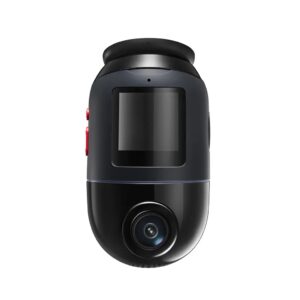
Compatible with Dash Cam 4K A810, Dash Cam Omni

-DC 12-30V Input Voltage

-5V Output Voltage

-2.4A Output Current

Category:

Description

70mai 4G Hardwire Kit – Constant Power, Battery Protection & 24/7 Parking Mode

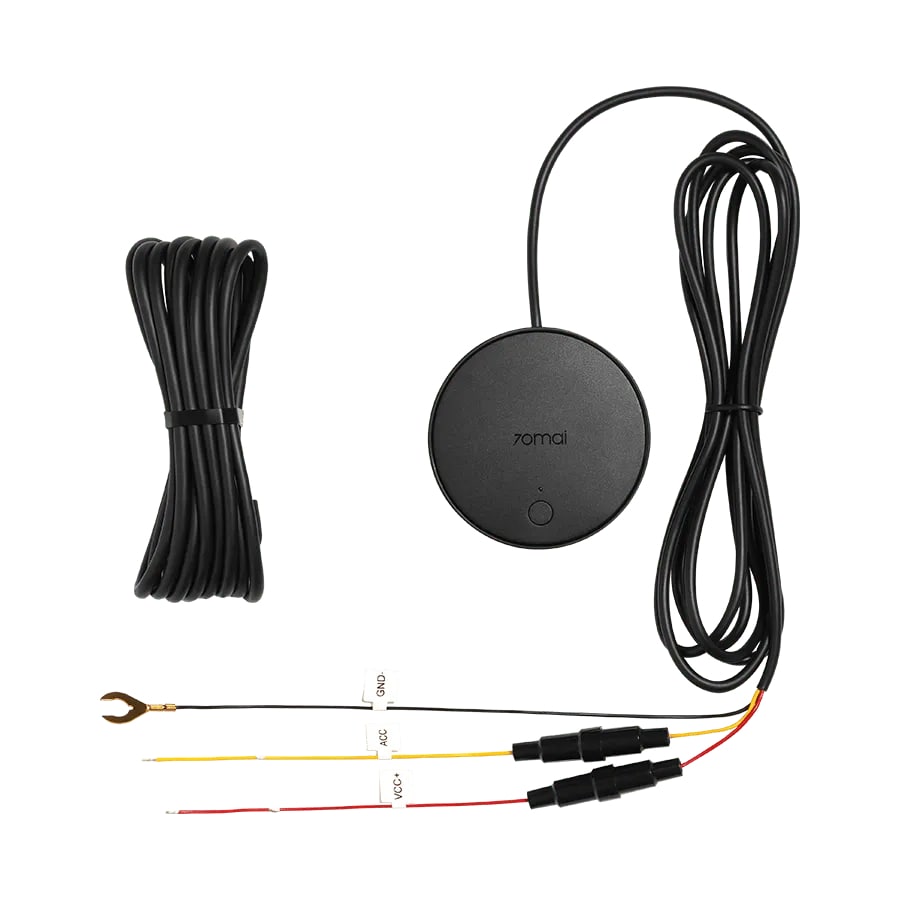
70mai 4G Hardwire Kit provides stable power to your dash cam directly from the vehicle’s electrical system, enabling 24-hour parking surveillance and 4G connectivity for remote access and real-time alerts via the 70mai mobile app.

Main Features

  • Constant Power Supply: connects directly to the car’s fuse box (DC 12–30V input, 5V/2.4A output) without using the cigarette lighter socket.
  • 24/7 Parking Surveillance: when the ignition is off, the dash cam switches to parking mode — the G-sensor detects impacts or motion and automatically records events.
  • 4G Connectivity: supports SIM card for real-time data transfer, remote access, and push notifications through the 70mai App (SIM card not included).
  • GPS & Vehicle Tracking: compatible cameras support location tracking and “Find My Car” functions via the 70mai App.
  • Smart Battery Protection: automatically cuts off power when the voltage drops below a safe level — 11.8V (12V system) / 23.6V (24V system).

Technical Specifications

  • Model: 70mai UP04
  • Input Voltage: DC 12–30V
  • Output Voltage: 5V / 2.4A
  • Cable Length: approximately 3 meters
  • Connector Type: USB Type-C
  • Low Voltage Protection: 11.8V (12V system) / 23.6V (24V system)
  • Compatibility: 70mai dash cams such as Omni, A810, A510, and other 4G-supported models

Package Contents

  • 70mai 4G Hardwire Kit (UP04) module
  • Type-C connection cable
  • User manual

Advantages

  • Reliable power supply without occupying the cigarette lighter socket.
  • Smart low-voltage protection for your vehicle’s battery.
  • Automatic parking mode activation when the ignition is off.
  • Remote access, real-time notifications, and video monitoring via the 70mai App.
  • Neat and discreet cable installation under the car’s interior trim.

Installation Tips

  • Insert a SIM card before use (for 4G features) and configure via the 70mai App.
  • Route the cable along the vehicle’s existing channels, avoiding sharp edges and heat sources.